
AI Migos Video
One person per photo, front-facing, well lit. The first photo takes the left spot, the second the right.
Failed renders are never charged.
Download it and post it to TikTok, Reels or Shorts. Failed renders are never charged.
What is the AI Migos video?
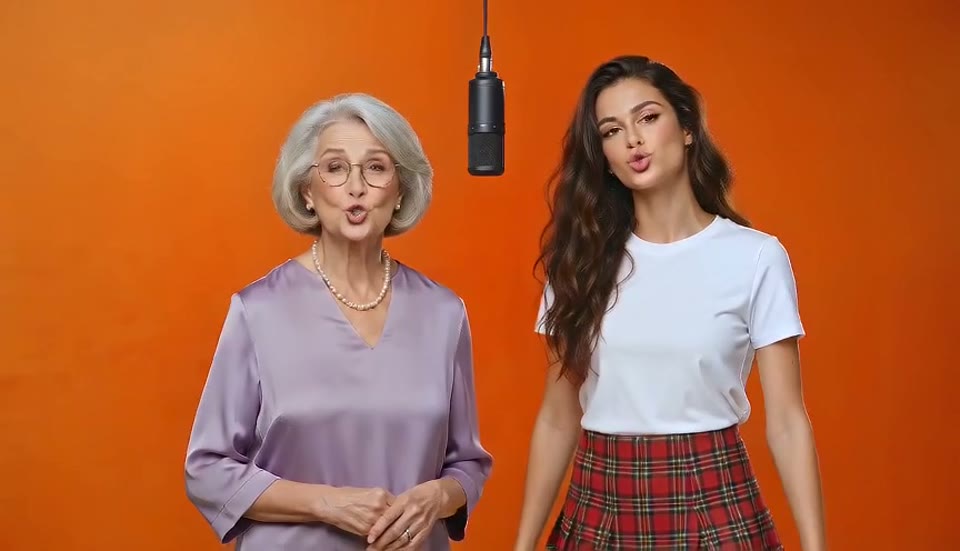
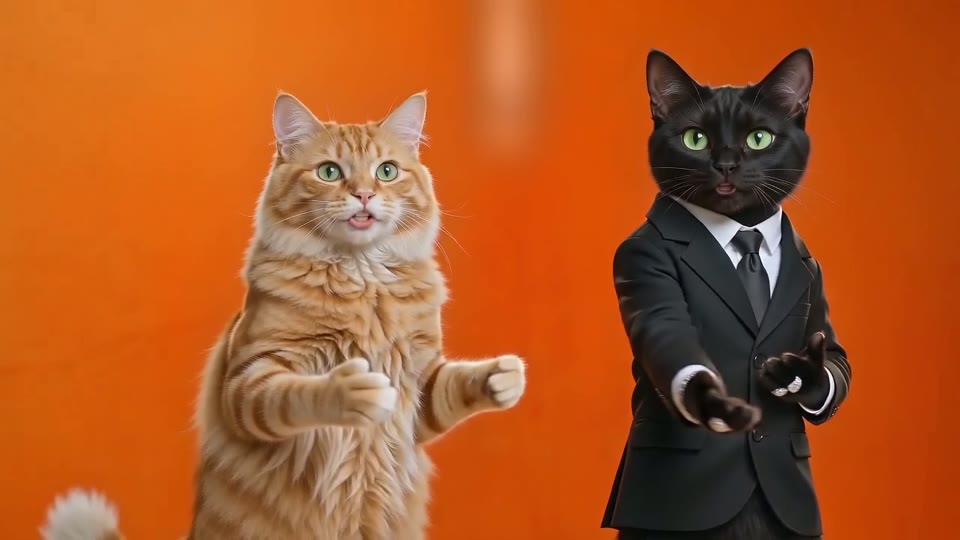
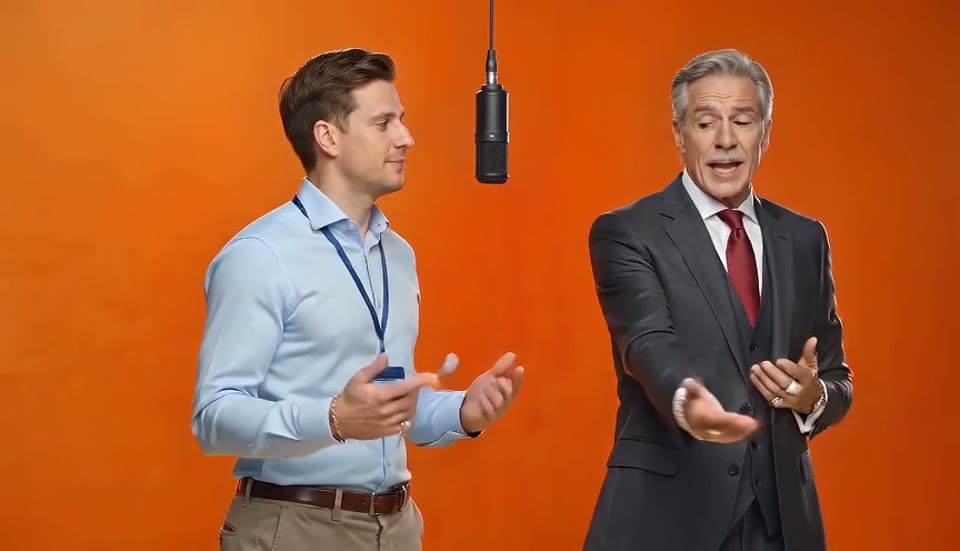
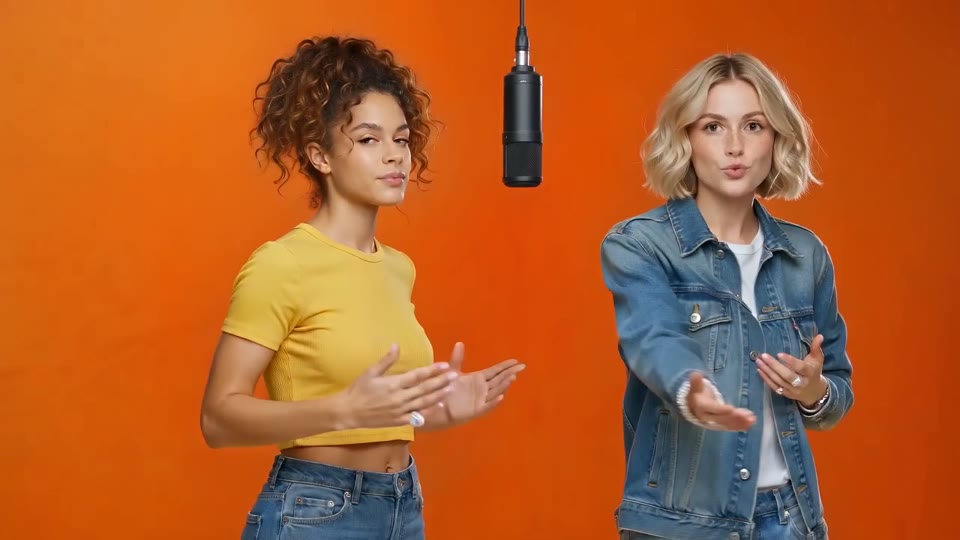
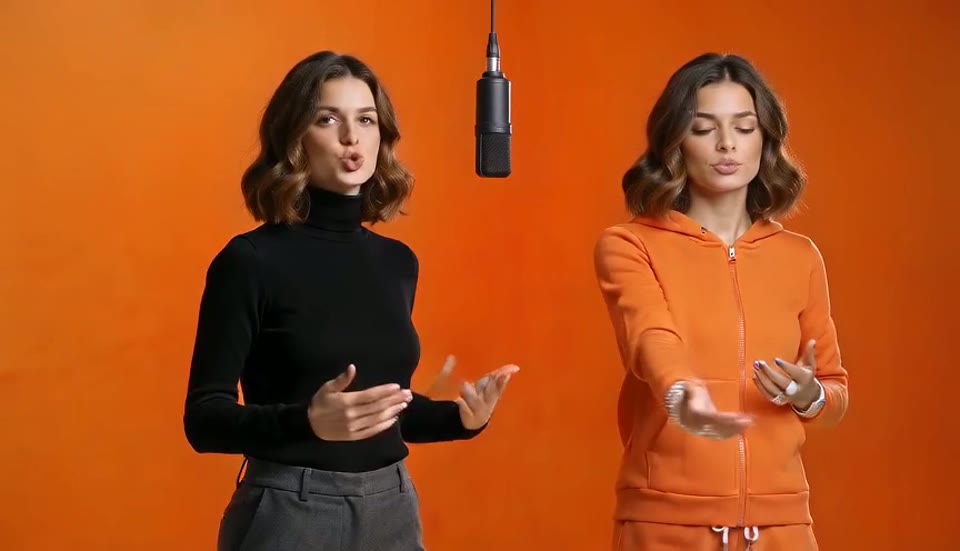
"Migos AI" is what people call the Hotel Lobby AI trend: AI videos that recreate Quavo and Takeoff's 2022 performance of "Hotel Lobby" on A COLORS SHOW with new faces. Two performers in a matte-orange booth, one microphone hanging from the ceiling, trading verses and hand gestures. Quavo and Takeoff are two of the three Migos, hence the name. In September 2026 an edit with TV characters and a post with two cats went viral, Quavo reposted the original, and within a week the format was everywhere: best friends, couples, grandparents, pets, politicians and sitcom duos. This site makes your AI Migos video from two photos, with the same booth, the same moves and the same beat. It is not a face swap: the whole performance is re-rendered around the two people in your pictures, so profiles, hands and outfits are yours. Nothing to write, nothing to find, nothing to install.
- Same booth, same movesYour video follows the original performance frame for frame: the framing, the gestures, the mic, the timing. Only the two performers change.
- Right faces, right sidesPhoto one is bound to the left spot and photo two to the right for the whole clip, so nobody swaps places halfway through.
- Nothing to write, nothing to findNo prompt, no source clip to hunt for, no timeline. Two photos and one button, from your phone or desktop.
Any duo you can think of
Every video below started as two ordinary photos. Sound on.
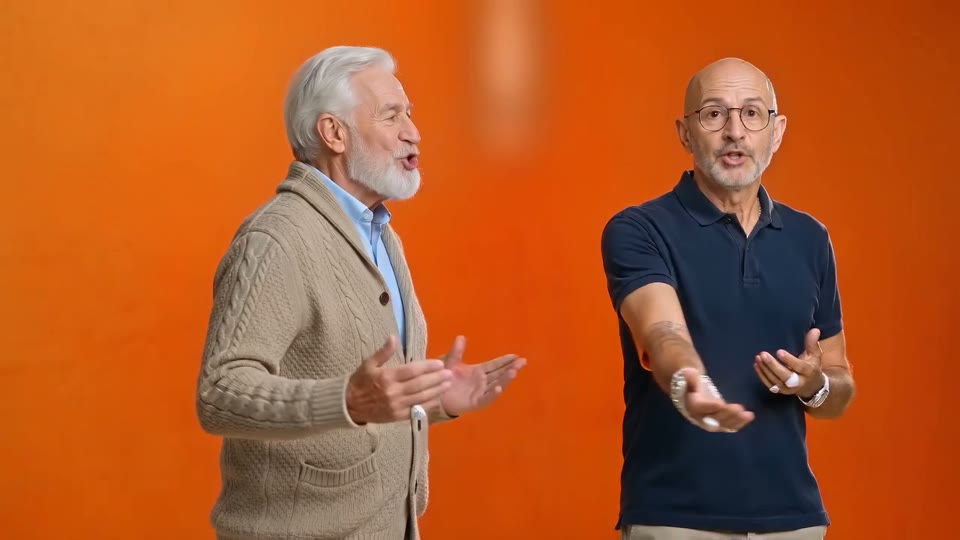
Grandpa duo
Two men in their seventies with the full Quavo and Takeoff choreography. The family group chat will not recover.
The couple
An anniversary post that is not a photo dump. Two selfies taken months apart, one performance.
Best friends
Years of inside jokes in one orange room. The two photos do not have to be taken together, or even in the same city.
Built for this one format
Most Hotel Lobby tools are a general video model with a template bolted on. This generator does one thing, and it handles the three things that usually go wrong.
Two performers, not two stickers
Both people move independently and trade verses like the original. Motion tools built for a single subject either freeze the second person or lock onto whoever fills more of the frame. Here both get the full choreography.
Same person, twice
Upload two photos of yourself in different outfits and you get both sides of the booth. The model keeps the face identical on both sides and gives each one its own movement.
Failed renders are free
If a render fails, times out or trips a content filter, the credits go straight back to your balance. You only ever pay for a finished video, so an odd pairing costs nothing to try.
How to make an AI Migos video
Three steps, about three minutes, from your phone or desktop.
1. Upload two photos
One clear, front-facing photo of each person. They do not need to be taken together, and the two photos can be years apart. Cats work too.
2. Pick a quality tier
Standard is 720p and fast. Pro keeps likeness best. Ultra renders 1080p. The credit cost is on the button before you click.
3. Download and post
Your video renders in about 3 minutes with the performance audio and no watermark. Post it to TikTok, Reels or Shorts.
Why make it here
Built for this one format, and for the things that usually go wrong with it.
Two performers, not two stickers
Both people move independently, trading verses like the original. Tools built for one subject freeze the second person; this one does not.
Failed renders are free
If a render fails or gets blocked, the credits go straight back to your balance. You only pay for finished videos.
No source clip to find
The reference performance is built into the template. You never have to hunt for the original video or trim it yourself.
Cats and any duo
Friends, couples, grandparents, coworkers, two cats, or the same person twice in different outfits.
Ready for TikTok
720p or 1080p MP4 with sound, no watermark. Post it as is, or add the official sound in TikTok before publishing.
Free preview, then pay per finished video
Sign up and get 10 credits: one free 5-second 480p preview to see if it looks like you. Full 13-second videos start at $14.99 a month for 5, and failed renders are always refunded.
Three ways to make the Hotel Lobby video
What you need, what you pay, and what you get with each route.
| AI Migos Videotwo photos, one button | Motion-transfer toolsHiggsfield, Kling | CapCut templatescommunity made | |
|---|---|---|---|
| Source clip to find and trim | |||
| Prompt or character sheets | |||
| Both performers move independently | Single subject only | Face paste | |
| Watermark | On free plans | Usually | |
| Failed render refunded | Sometimes | — | |
| Time to first video | About 3 minutes | 10 to 30 minutes | 5 minutes |
| First video | Free | Trial credits | Free |
Guides for your first AI Migos video
The trend, the song, the steps, and what the free preview includes.
Hotel Lobby AI
The trend behind the AI Migos video: where it came from, the timeline, and duo ideas to try.
AI Migos video generator
Output specs, the four quality tiers, and the photo rules that fix most bad results.
How to make an AI Migos video
The three steps in detail, with the checklist to run before you post.
The Migos AI song
What the song in every video is, where it came from, and how to post with it.
Migos AI free
What the free 5-second preview includes, what a full video costs, and how other free options compare.
Pricing
Plans from $14.99 a month for 5 videos, or 60 a year for $89.99. Failed renders never charged.
AI Migos video questions
What people ask before making their first AI Migos video.
Is Migos AI the same as Hotel Lobby AI?
Yes. "Migos AI", "Hotel Lobby AI" and "AI rap duo" are names for the same trend, because Quavo and Takeoff performed "Hotel Lobby" as part of Migos.
What photos work best?
One person per photo, front-facing, face clearly visible, no sunglasses or heavy filters, and as much of the body as possible. Group shots blur the two identities, so crop them first.
Why two separate photos instead of one photo of both of us?
Because the generator binds photo one to the left performer and photo two to the right. A single photo of both people makes it guess who is who, and it guesses wrong often. Two separate photos, one person each, is the most reliable input.
Which photo goes on the left?
The first photo is the performer on the viewer's left, who opens the performance. The second is on the right. Use the Swap sides button if you want them the other way round.
How long does it take?
Most videos are ready in 2 to 4 minutes. You can leave the page and find the result under My Tasks.
What if I do not like the result?
Run it again. Each render is a fresh pass, so a second attempt with the same photos often fixes a weak first one. Swapped sides are fixed with the Swap sides button; weak likeness is usually fixed with a clearer, front-facing photo. Failed renders are refunded automatically.
What does it cost?
A full 13-second Standard video is 30 credits. Plans start at $14.99 a month for 5 videos, or $89.99 a year for 60. New accounts get 10 credits, enough for one free 5-second 480p preview.
Can I use photos of other people or celebrities?
Only with their permission. Use photos of yourself and of people who agreed to appear. Do not use photos of minors without a guardian's consent, and do not impersonate public figures.
Is this an official Migos product?
No. AI Migos Video is an independent tool and is not affiliated with Migos, Quavo, Takeoff, Offset or COLORS.
Can I make an AI Migos video on my phone?
Yes. The generator runs in the browser on any phone or desktop; there is no app to install. Upload from your camera roll, wait about three minutes, and download the MP4 to post.
Your AI Migos video is three minutes away
Two photos in, one video out. Your first 5-second preview is free.