
Make your AI Migos video
One person per photo, front-facing, well lit. The first photo takes the left spot, the second the right.
Failed renders are never charged.
Download it and post it anywhere. Failed renders are never charged.
What the AI Migos video generator actually does
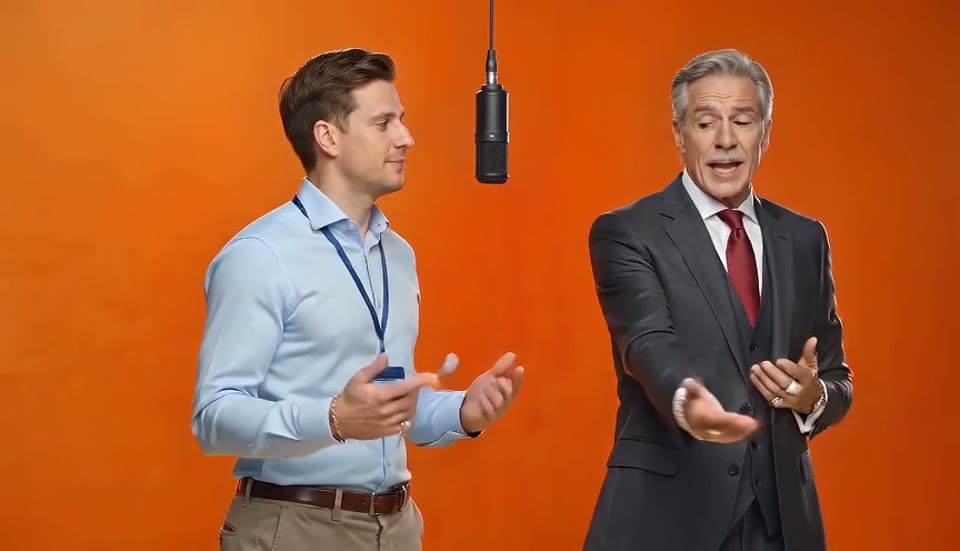
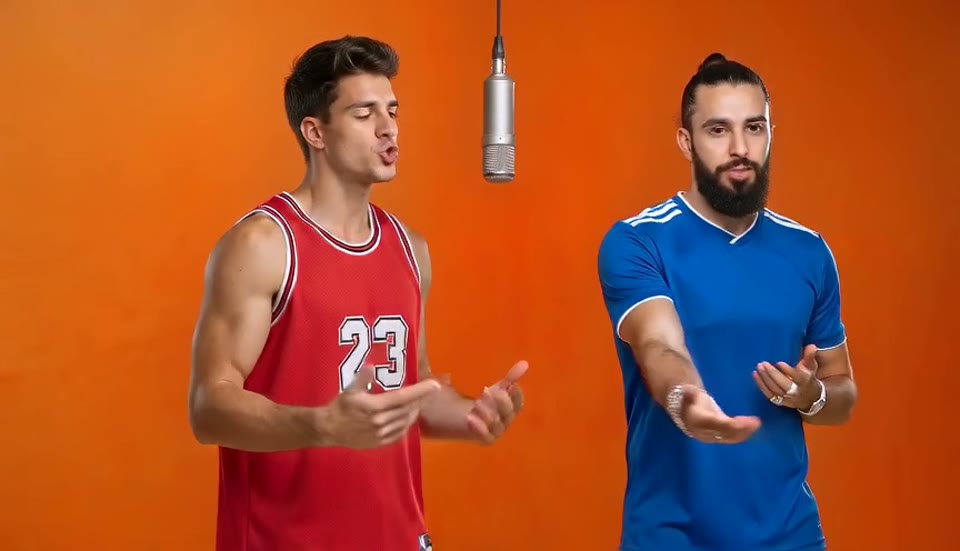
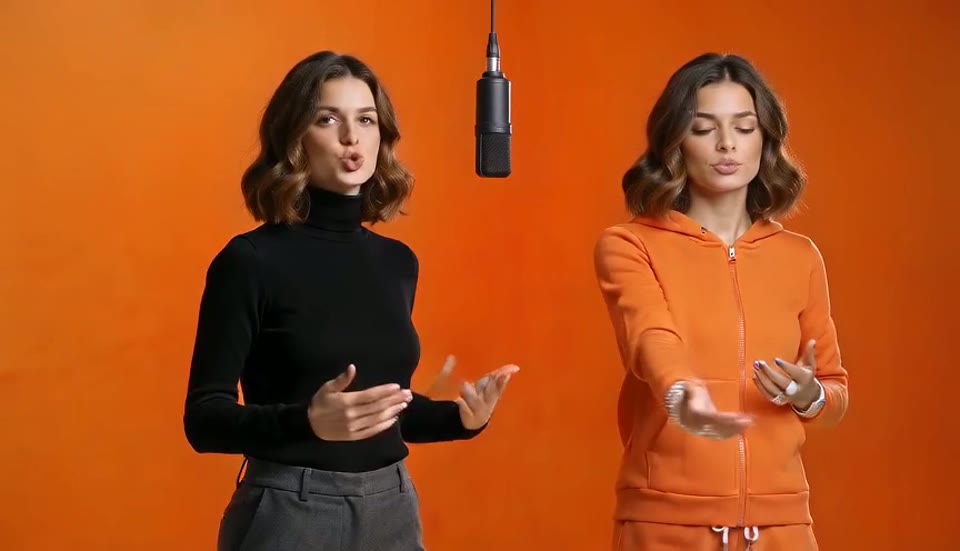
This AI Migos video generator is not a face swap pasted onto each frame. It takes a reference of the original two-person Hotel Lobby performance and re-renders the whole scene with the two people from your photos. Faces, hair, skin and outfits come from your pictures; the movement, camera and timing come from the performance. That is why side angles, hand gestures and head turns hold up instead of melting, and why the result looks like the AI Migos video people are posting rather than a sticker on a template. Every render is a fresh pass of a video model with your two photos as references, so two runs with the same photos will differ slightly, and a second attempt often fixes a weak first one.
- Reference, not pasteThe scene is rebuilt around your two references, so outfits, builds and profiles come from your photos, not from the original performers.
- Positions are lockedPhoto one is bound to the left spot and photo two to the right for the whole clip, so identities do not swap mid-video.
- Four quality tiersStandard renders fast at 720p. Plus is sharper. Pro keeps the best likeness. Ultra renders 1080p for large screens.
What you get from the AI Migos video generator
The exact specs, so you know what lands in your downloads folder.
A 13-second performance clip
The AI Migos video generator follows the reference performance for 13 seconds: the opening verse, the hand-off and the second verse. The length is fixed by the template, so there is no duration to choose and no way to accidentally pay for a longer clip.
16:9 MP4 with audio
You get a widescreen MP4 with the performance audio baked in, at 720p on Standard, Plus and Pro, and 1080p on Ultra. It plays everywhere and uploads directly to TikTok, Instagram Reels, YouTube Shorts and X. For a vertical post, crop it in the app you post from.
No watermark, yours to keep
Downloads carry no watermark on any tier. The file stays in your task history so you can re-download it later. Failed or blocked renders refund their credits automatically.
How to use the AI Migos video generator
Three taps, about three minutes.
Add the left photo
The person who opens the performance. Front-facing, well lit, one person in the frame, ideally head to knees.
Add the right photo
The second performer. It does not have to be taken in the same place or on the same day as the first.
Generate and download
Choose a tier, click Generate, and download the MP4 when it finishes. Most renders take 2 to 4 minutes.
Photo tips that fix most bad AI Migos videos
Nearly every bad result from an AI Migos video generator comes from the photos, not the model. Six rules cover almost all of it.
One person per photo
A group photo makes the generator guess which face belongs where, and it guesses wrong often. Crop it to one person first.
Face fully visible
No sunglasses, no hat brim over the eyes, no heavy beauty filters, no hand in front of the mouth. The model needs the face to copy it.
Show the body
Head-to-knees or full body gives the outfit and build. Tight headshots work, but the model has to invent the clothes.
Even lighting
A shadowed or backlit face comes out blurry in motion. Window light or a plain indoor shot is enough.
Check the sides
If the people came out on the wrong sides, use Swap sides and generate again. It usually lands on the next try.
Cats are fine
Two cats, or a cat and a person. Use a clear photo of each animal so they are easy to tell apart.
More on the AI Migos video
Guides that answer the next question people ask after their first video.
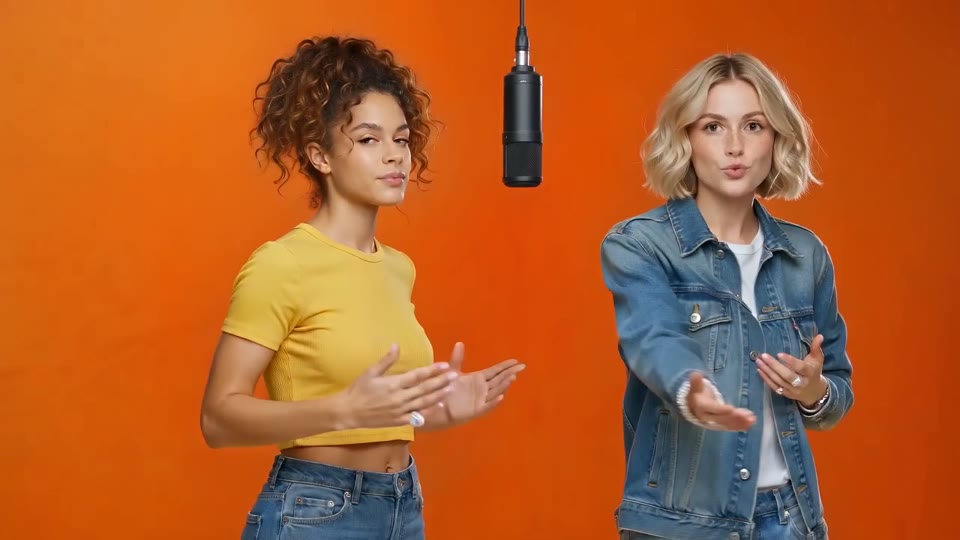
How to make an AI Migos video
The three steps in detail, what to check before posting, and how to fix swapped faces.
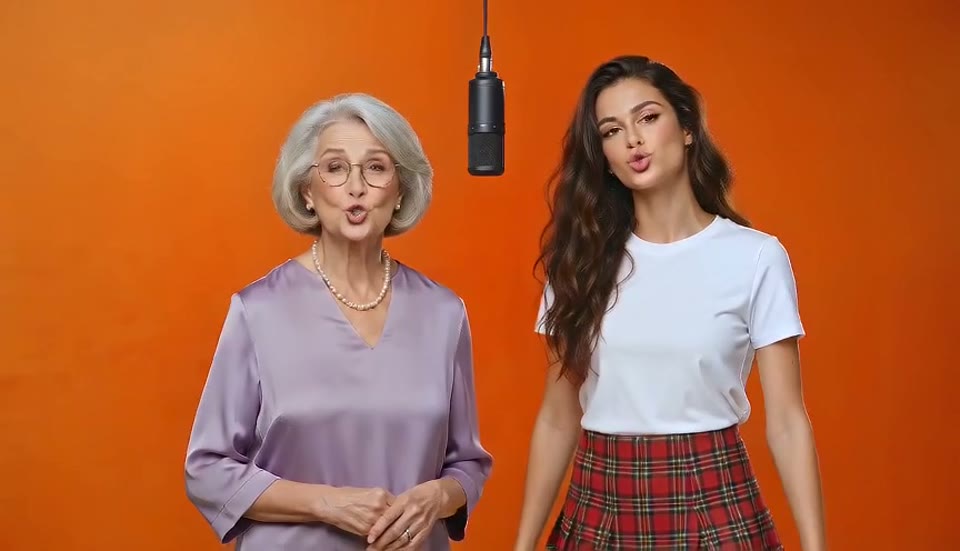
Migos AI free
What the free 5-second preview includes and how to make it count.
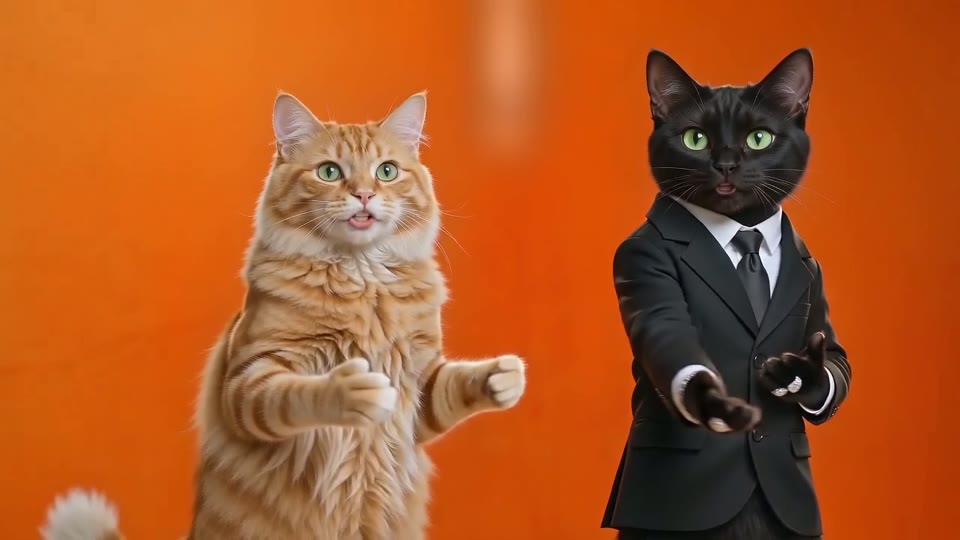
Hotel Lobby AI
The trend behind the AI Migos video: where it came from, why it went viral, and duo ideas to try.
AI Migos video generator FAQ
Does the video include the song?
Yes, the video comes with the performance audio. If you post to TikTok you can also attach the official sound from the TikTok library before publishing, which helps reach.
What format do I get?
A 13-second MP4 in 16:9 at 720p or 1080p depending on the tier, with sound and no watermark.
Can the same person be on both sides?
Yes. Upload a different photo of the same person to each slot. Different outfits or expressions make it funnier.
What if the faces drift or the sides swap?
Use a clearer front-facing photo, or swap the two photos and run it again. A render that fails outright is never charged.
Is the AI Migos video generator free?
The first 5-second 480p preview is free when you sign up. Full 13-second videos start at $14.99 a month for 5, or $89.99 a year for 60, and failed renders are never charged.
How is this different from a CapCut template?
A CapCut template pastes your face onto the original frames, so it melts on side angles. The AI Migos video generator re-renders the whole performance with your two people, so profiles, hands and outfits stay yours.
Can I write a prompt?
No. The scene, camera and timing are fixed so the result looks like the trend. You only choose the two photos and the quality tier.
Ready to make your AI Migos video?
Two photos are all it takes. The first 5-second preview is free.