
Migos AI Free: Your First Preview Is on Us
Searching for Migos AI free usually means one thing: you want to see the orange-booth video with your face before paying for anything. Here, sign up and you get 10 credits, which is one free 5-second 480p preview made from your own two photos. No credit card. This page explains exactly what the free preview includes, what a full video costs, and how the other free options compare.
Make your free Migos AI preview
One person per photo, front-facing, well lit. The first photo takes the left spot, the second the right.
Failed renders are never charged.
Five seconds at 480p. Like it? Render the full video.
What Migos AI free gets you here
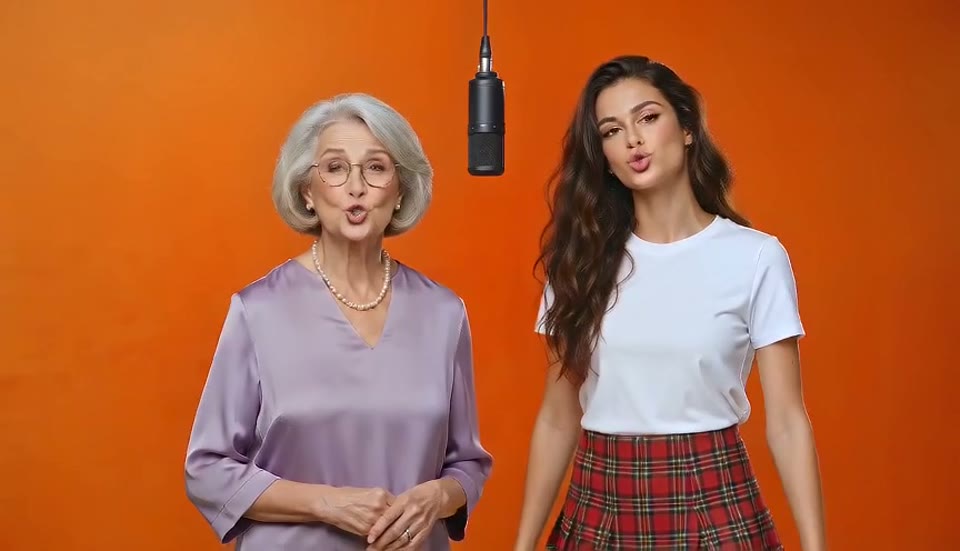
New accounts receive 10 credits, which pays for one Preview render: the first 5 seconds of the performance at 480p, with the audio, made from your two photos. It is a real render of your faces, not a stock sample, so it answers the only question that matters before paying: does it look like us? Rendering AI video costs real money per second, so there is no unlimited Migos AI free tier anywhere, including here. A full 13-second video at 720p is 30 credits, and plans start at $14.99 a month for five of them. Failed or blocked renders refund their credits, so a bad first run does not use up your free preview.
- One 5-second preview10 credits on signup, equal to one Preview render at 480p from your own photos.
- Your faces, not a sampleThe preview uses the same model and the same reference performance as the full video, just shorter and smaller.
- No credit cardSign in with Google and generate. Nothing to enter, nothing to cancel.
Migos AI free options, compared honestly
Free exists in three forms across the tools that make this video. Each gives up something different.
A free preview of your own video, here
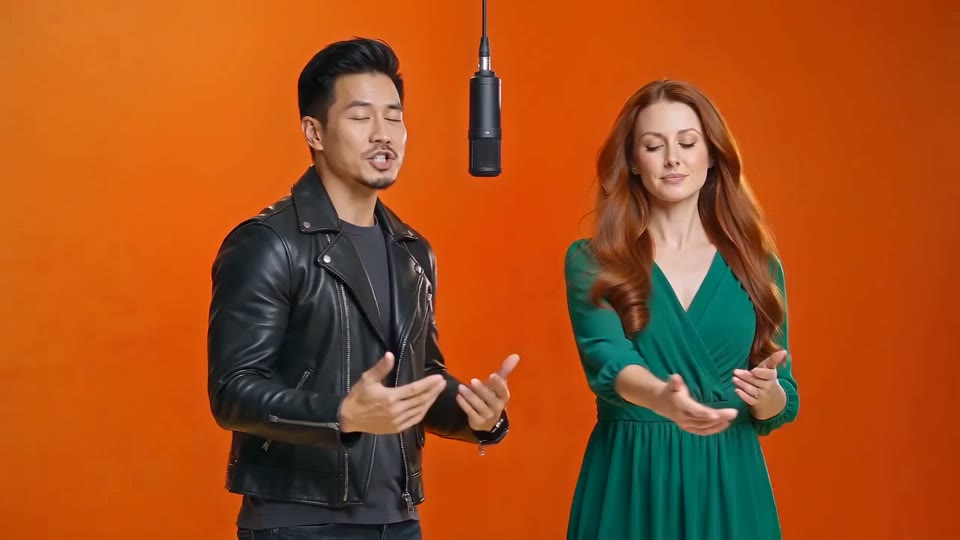
Five seconds at 480p from your own two photos, no watermark, no card. The limit is the length and the resolution. If you like it, the full 13-second video is 30 credits, and plans start at $14.99 a month for five. Best if you want to check likeness with zero risk.
Free previews elsewhere
Several generators offer a free watermarked or low-resolution preview, sometimes silent, sometimes only for visitors from search. You see roughly what you would get; you cannot post it. Similar idea, usually with a watermark on top.
Free CapCut templates
Community templates paste your face onto the original frames inside the CapCut app. Free and fast, but faces melt on side angles, the body stays the original performer's, and most carry a watermark. Best if you want something in two minutes and do not mind the look.
How to claim the Migos AI free preview
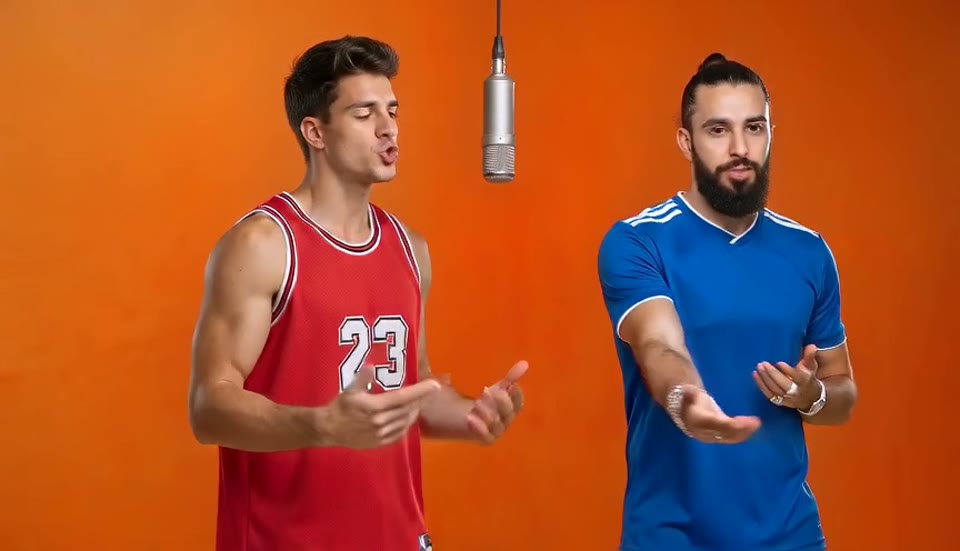
Three steps, no card, about three minutes.
1. Sign in with Google
The 10 signup credits land on your account the moment it is created. No form, no card, no email confirmation to wait for.
2. Upload two photos
One person per photo, front-facing, well lit. The first photo is the left performer, the second the right. Leave the tier on Preview so the free credits cover it.
3. Generate, watch, decide
The preview renders in about two minutes. If the faces look right, pick a plan and render the full 13 seconds at 720p or 1080p. If the render fails, the credits come back.
How to make your Migos AI free preview count
Most wasted first attempts come from the photos. Fix these before you click.
One person per photo
Crop group shots. The generator should never have to guess which face is which.
Face uncovered
No sunglasses, no mask, no hat brim over the eyes, no heavy filters.
Show the outfit
Head-to-knees or full body keeps your real clothes in the video.
Decide who opens
The first photo is the left performer and opens the verse. Put the louder friend there.
Failed renders are free
If the render fails or gets blocked, the credits return and your free preview is still there.
Then decide
If the preview looks like you, the full video will too. Plans start at $14.99 a month for 5 videos, or $89.99 a year for 60.
Before you spend the free one
Two guides worth a minute, and the plans if you want the full video.
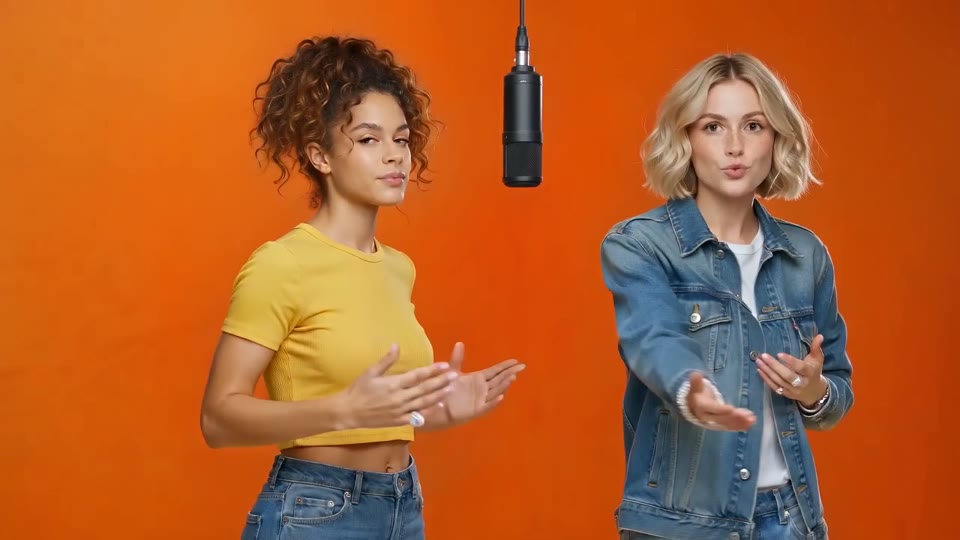
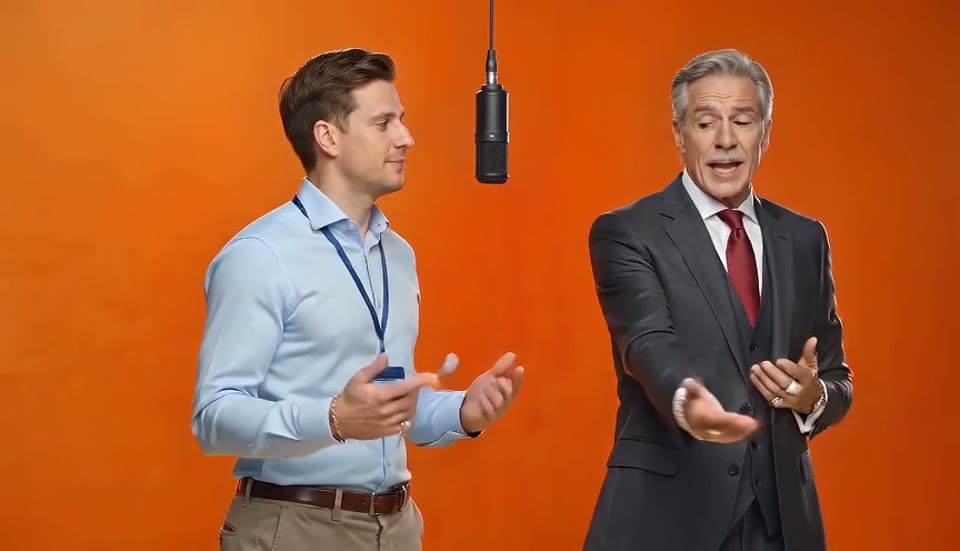
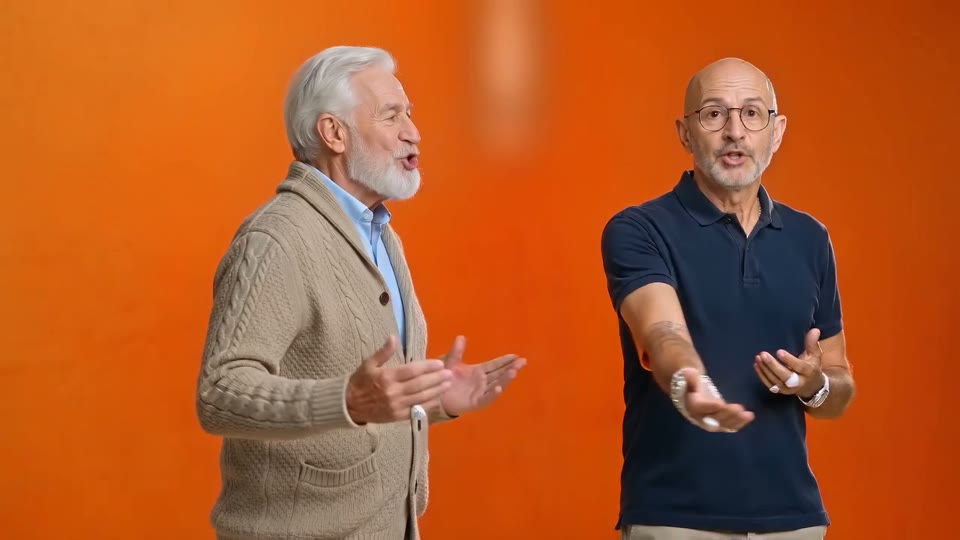
Migos AI free questions
Is the Migos AI free preview watermarked?
No. It is a real 480p render of the first 5 seconds with the audio, no watermark. It is shorter and smaller than a paid video, nothing else.
Can I get a full video for free?
No. A full 13-second video at 720p is 30 credits because every second costs real money to render. Failed renders are always refunded, and the yearly plan brings the price down to about $1.50 per video.
Can I get more Migos AI free previews?
The signup credits cover one. After that a Preview is 10 credits on any plan, which is handy for checking a new photo pair before spending 30 credits on the full render.
Is there a totally free Hotel Lobby AI generator?
Not for full-quality, watermark-free videos; rendering costs money per clip. Free CapCut templates exist but paste a face onto the original frames and usually carry a watermark.
Do I need a credit card for the free preview?
No. Sign in with Google and the 10 credits are on your account.
One free preview. Two photos.
See if it looks like you before you pay anything.